Planning a trip to Walt Disney World can be so exciting, but let’s face it, it can also feel incredibly overwhelming. With lightning lanes, dining reservations, entertainment schedules and many other things to think about, it’s easy to miss out on some important things if you’re not careful.
This is where My Disney Experience app comes in. This app will be your best friend while at Disney World, and should ensure your trip runs as smoothly as possible. In this post, we’ll share why we wouldn’t visit Disney World without it, and why you should use it too.
What is My Disney experience?
With a quick first look, you could be forgiven for thinking that the My Disney experience app is just a fancy map for your park days. This couldn’t be more wrong. If you use this app correctly, this can be used as your own personal trip planner that will be so easy to use.
This app is completely free to download and use, whether you use an apple or android phone, and can be found quickly on the app store. Here, we have included what you will be looking for on your mobile device.
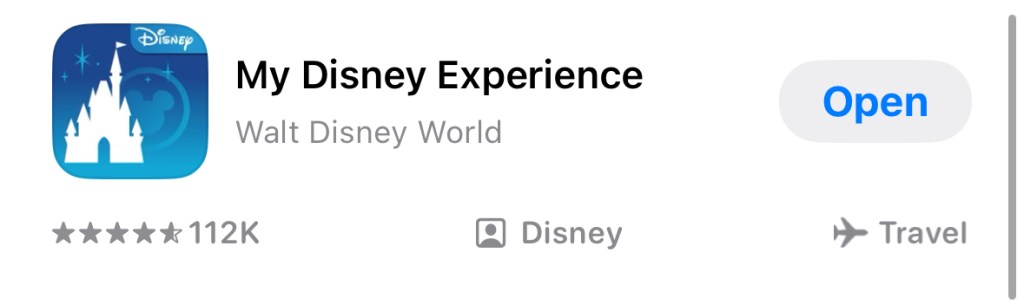
“Screenshots from the official My Disney Experience app (Disney). Shared here for informational purposes.”
Planning before you go
The great part is that you can do so much of your planning way ahead of your arrival, so that mostly everything is done by the time you arrive at your resort. Ensure that you link your Disney World tickets to the My Disney experience app as soon as you have them and link your travel party together so that dining/lightning lanes will be linked.
Many things such as lightning lanes and dining reservations can also be completed before your resort arrival which we will speak more about later in this blog.
Managing your day in the parks
The first thing you will see is your park map. You can toggle which park you are at for that day, to see all attractions, dining locations etc all in one place. One thing that this has that beats a paper map is the ‘Where am I’ feature. The app knows where you are in the park, and can provide directions to an attraction or area of the park you are hoping to get to. The same goes for checking parade times and showtimes on the app. If inclement weather is in the area, you are also able to see if outside rides are delayed while the weather passes.
One of our favourite things to do on the My Disney experience app is to mobile order, both dining and merchandise. By mobile ordering food, you skip the typical line and are able to go right up to the window when your food is ready to be collected. The same goes with buying merchandise. Select merchandise locations around Walt Disney World allow you to scan your items on your phone and show your receipt to a cast member on the door to confirm your purchase.
Tip board and lightning lanes
Without paying any extra money, the tip board can be a great help. Here you will see what the wait times for each ride is, and what lightning lane return times are available.This does not allow you to book a free return time to pass the lines, you would still need to purchase a lightning lane. If you would enjoy passing the queues during the hot weather, maybe lightning lanes would be something you would like to purchase.
These lightning lane prices vary between each park, and during different times of year. By purchasing a multi pass lightning lane, you can choose up to 3 rides before you arrive at the parks. If you are staying at select Disney resort, this could be up to 7 days before, others will be 3 days. Also, once you use your first lightning lane of the day, you can then choose another attraction return time. Note – Be aware these lightning lanes are very popular, and not every ride will be available every hour. You may find that a particularly popular ride will not have a return time until later in the evening.
If you feel that you may need something further, Disney do offer a lightning lane premier pass, which allows one entry to each lightning lane attraction that day, with no time restrictions. However, this comes at quite a cost. Prices fluctuate per park and per day, but looking at today’s date you can be looking at between $129 and $359 per guest per park.
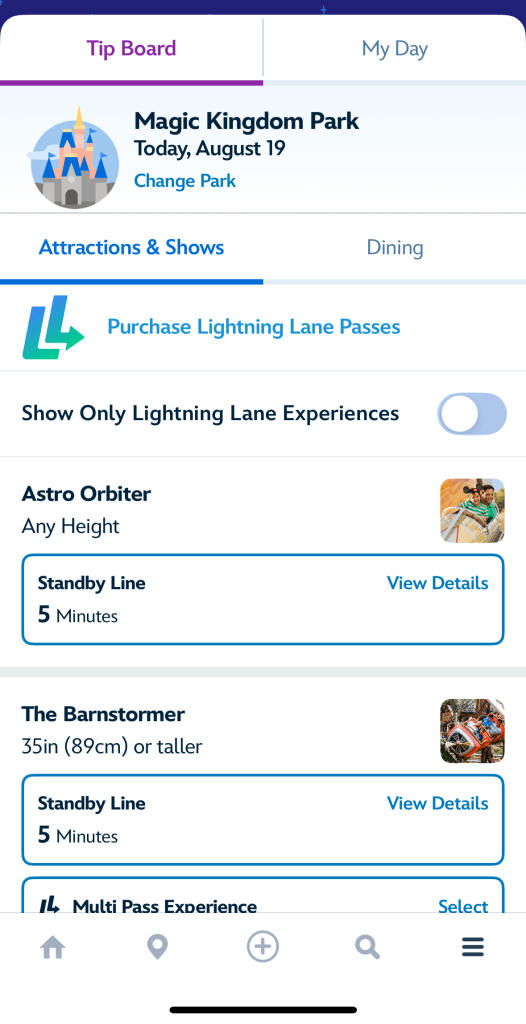
Here you can see what is available to see on your app’s tip board. “Screenshots from the official My Disney Experience app (Disney). Shared here for informational purposes.”
Dining reservations
This is one of our favourite things we can do on our My Disney Experience app. Once you find yourself at 60 days before your Disney World holiday, you can then start booking your dining experiences. This is quite a simple way of doing things, as you include which members of your party will be attending and what time and date is best for you.
IMPORTANT -Not everyone in your travel party needs to be included, so you can split up and have different dining reservations as much as you like.
There are so many dining options at Walt Disney World, and you are sure to find something to enjoy. (We have included some of our favourite Disney World table services for some inspiration)

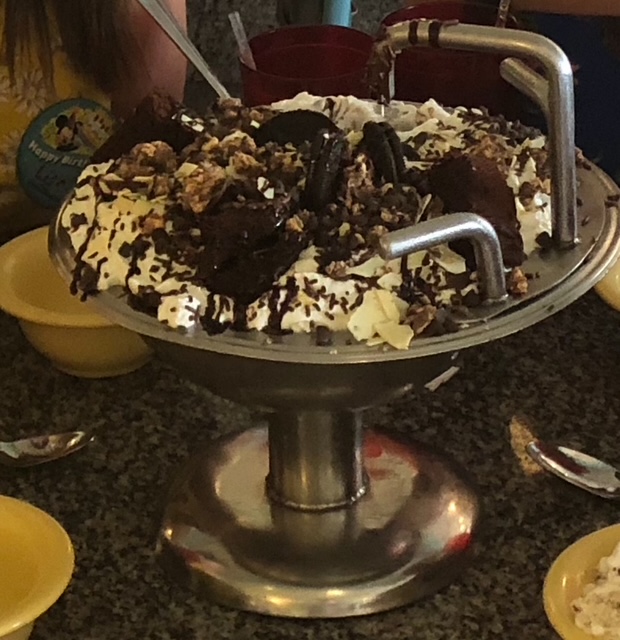
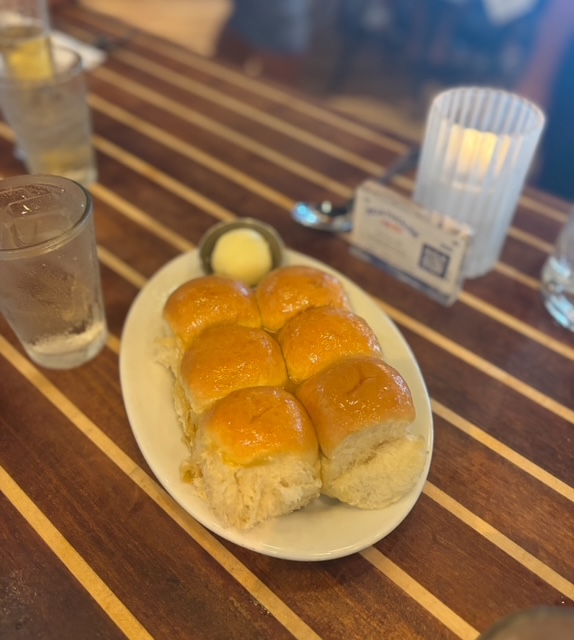

Extra top tips
The Magic mobile feature can be a great addition for many people. This means ultimately that your mobile device becomes your park ticket and/or your room key. This is a great addition to people who would not like to wear a magic band or carry a plastic key around the hotel/parks.
You can also link your photopass / memorymaker and view your photos almost as soon as you take them. You can then download them straight to your phone, and enjoy sharing them with friends and family back home.
In conclusion, Walt Disney World will always be magical, whether or not you make full use of this app. However, we believe that this app takes away some of the stress by knowing you have that lightning lane or dining reservation already sorted before your arrival.
So, before your trip, download the app and set up your plans to get ready to make every moment of your holiday count.
-The sisters behind Main Street Dreamers
 Main Street Dreamers
Leave a comment